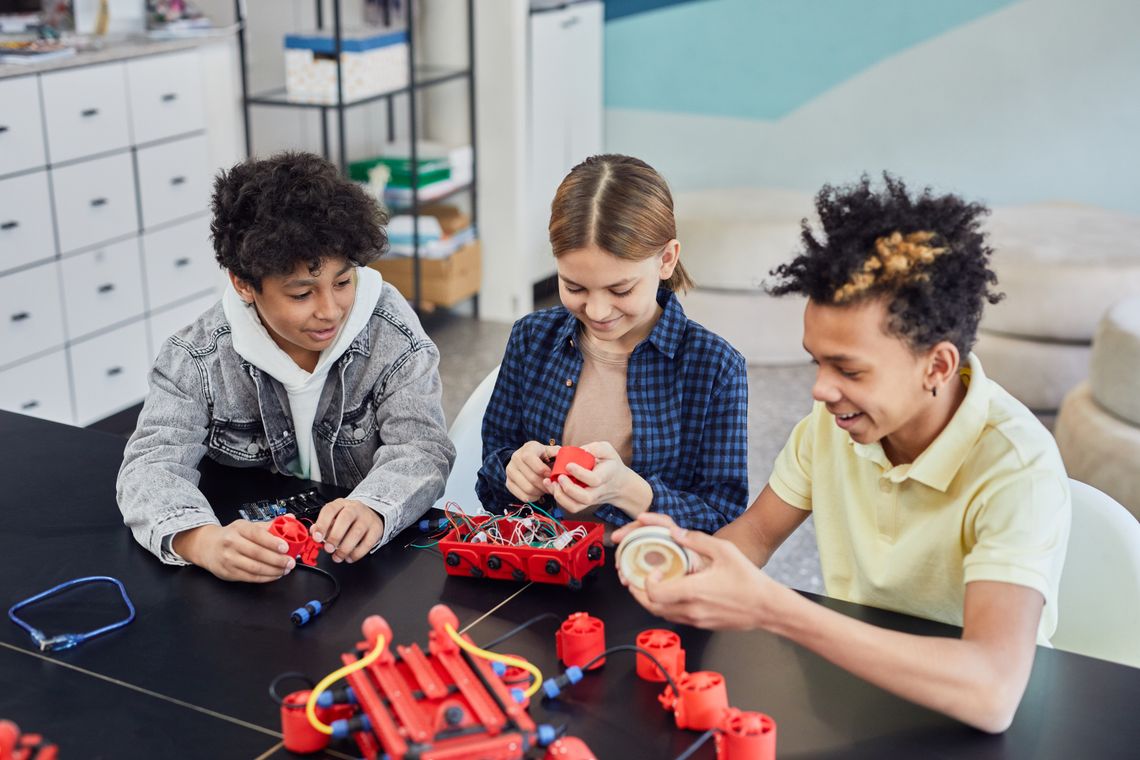
Children collaborating on a hands-on robotics project
STEM learning becomes memorable when children can build, test, program, observe, revise, and share what they discover.

From curious questions to working ideas

STEM & Coding Guide

Toyvora’s STEM and coding collection helps families explore science, technology, engineering, mathematics, robotics, electronics, construction, and logical thinking through practical play. This guide explains the skills behind each pathway and how to choose a suitable challenge.

Hands-on scientific discovery Coding through sequences and logic Engineering through building

The foundations of STEM play

Children learn by connecting ideas with visible results

STEM play turns abstract concepts into actions children can observe, repeat, compare, explain, and improve.

01

Ask a Question

Curiosity begins with noticing something and wondering why it happens or how it could work differently.
02

Make a Plan

Children choose materials, organize steps, predict results, or decide which instruction should happen first.

03

Test the Idea

Building, coding, measuring, connecting, and experimenting reveal whether the plan works as expected.

04

Improve the Result

A mistake becomes useful information that can guide debugging, redesign, adjustment, and another attempt.

Science and natural exploration

Turn observation into investigation

Science activities invite children to notice patterns, compare materials, predict outcomes, measure changes, and explain what the evidence suggests.
  • 1Observation tools can help children notice color, shape, texture, movement, growth, scale, and small details.
  • 2Simple experiments can introduce variables, reactions, temperature, force, motion, light, sound, and material properties.
  • 3Measurement activities can connect numbers with length, weight, time, capacity, temperature, and comparison.
  • 4Nature exploration can support classification, habitat awareness, weather observation, plant study, and environmental curiosity.
  • 5Recording results through drawings, notes, charts, or photographs can strengthen communication and scientific thinking.
Observation Prediction Measurement Experimentation Scientific explanation
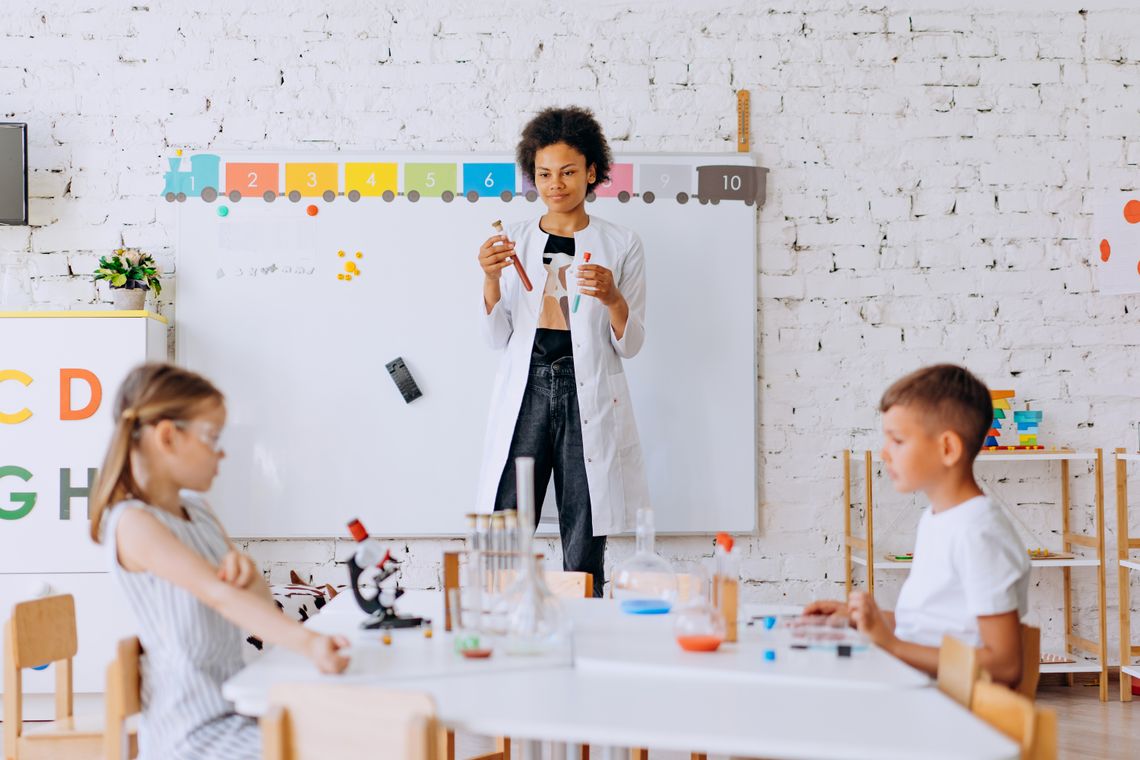
Children conducting a supervised science experiment in a classroom
Science play is strongest when children predict first, observe carefully, compare results, and discuss what changed.

Coding teaches children to organize thinking into steps

Coding does not always begin with a screen. Sequencing cards, directional games, programmable toys, puzzles, and physical challenges can introduce the same core ideas.

Sequence

Arrange instructions in the correct order so an action, movement, sound, or result happens as intended.

Pattern

Recognize repetition, relationships, and predictable structures that can be reused in a solution.

Condition

Explore decisions such as what should happen when a sensor, choice, obstacle, or rule changes.

Loop

Repeat a useful instruction rather than rebuilding the same series of steps again and again.

Debug

Find the step that caused an unexpected result, change it, and test the revised sequence.

Decompose

Break a large challenge into smaller tasks that can be understood, solved, and combined.
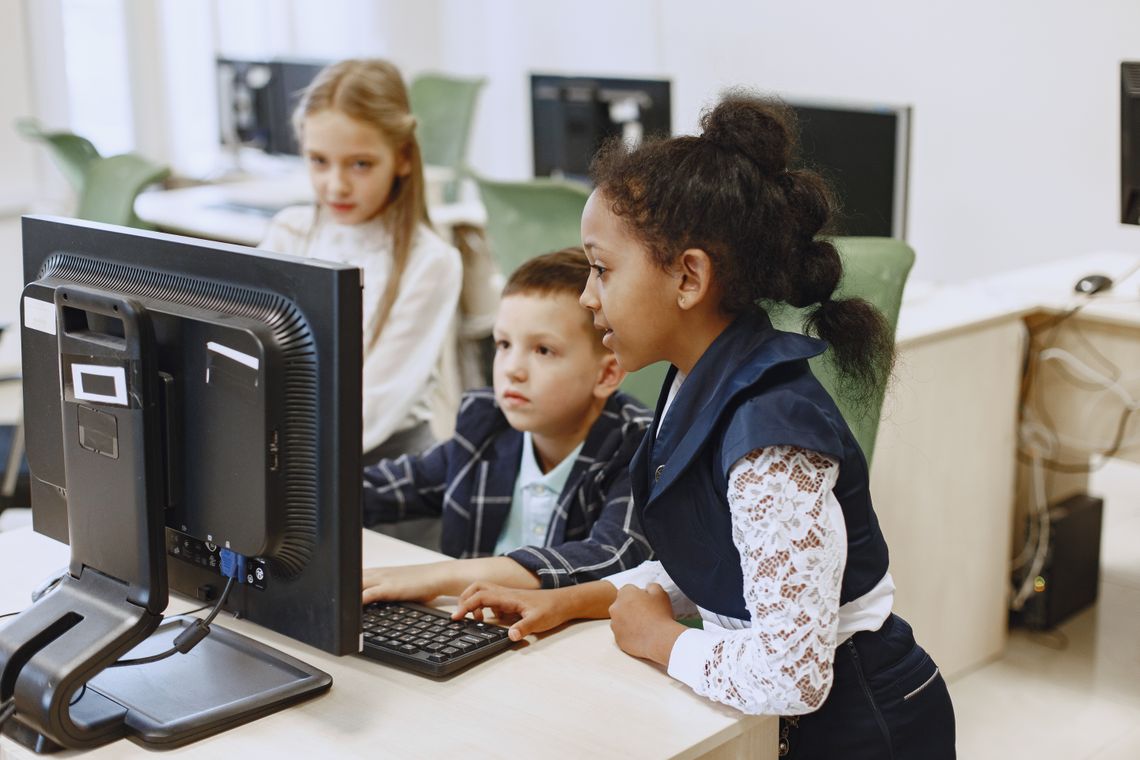
Children using a computer together during a digital learning activity
Digital coding becomes more meaningful when children can explain the goal, predict the output, and understand why each instruction is needed.

Choosing a coding pathway

Begin with logic before adding complexity

The most suitable starting point depends on the child’s reading level, experience, attention, comfort with devices, and ability to follow a sequence.

  • 1Screen-free coding can use arrows, route maps, instruction cards, mazes, pattern games, and programmable movement.
  • 2Block-based coding can help children combine commands visually without beginning with complex written syntax.
  • 3Game-based challenges can introduce goals, obstacles, conditions, loops, variables, and debugging through play.
  • 4Text-based coding may suit older or experienced learners ready to work with typed commands and formal structures.
  • 5Project-based coding can connect software with stories, animation, music, games, robotics, electronics, or physical models.
A shorter project completed with understanding is more valuable than a complicated project copied without knowing how it works.

Robotics and electronics

Connect code with movement, light and sound

Robotics combines instructions with physical components, giving children visible feedback when a program controls a motor, sensor, light, sound, or mechanism.

Structure

Build the physical system

Frames, wheels, gears, axles, joints, fasteners, and supports create the body that carries each component.

Input

Collect information

Buttons, remote controls, light sensors, distance sensors, sound sensors, and touch inputs can trigger behavior.

Control

Process the instruction

A controller or program decides what the robot should do after receiving an input or command.

Output

Create a visible result

Motors, wheels, arms, lights, speakers, displays, and other outputs turn instructions into action.

Testing

Check the complete system

Children can test connections, direction, timing, speed, stability, sensor placement, and programmed behavior.

Iteration

Improve the design

Changing the structure or code teaches children that engineering solutions can be refined after testing.

Robotics project readiness

Match the kit to the child’s current experience

Robotics products can vary from simple snap-together toys to detailed systems involving tools, wiring, programming, calibration, and multiple electronic components.
  • 1Review age guidance, required reading, number of pieces, tool use, assembly time, and adult-support expectations.
  • 2Confirm batteries, charging equipment, cables, compatible devices, software, apps, and internet requirements.
  • 3Choose a first project with a clear result so the child can understand the connection between assembly and code.
  • 4Keep components organized and identify motors, sensors, connectors, fasteners, and controllers before assembly.
  • 5Encourage the child to explain each change instead of adjusting several parts without tracking what caused the result.
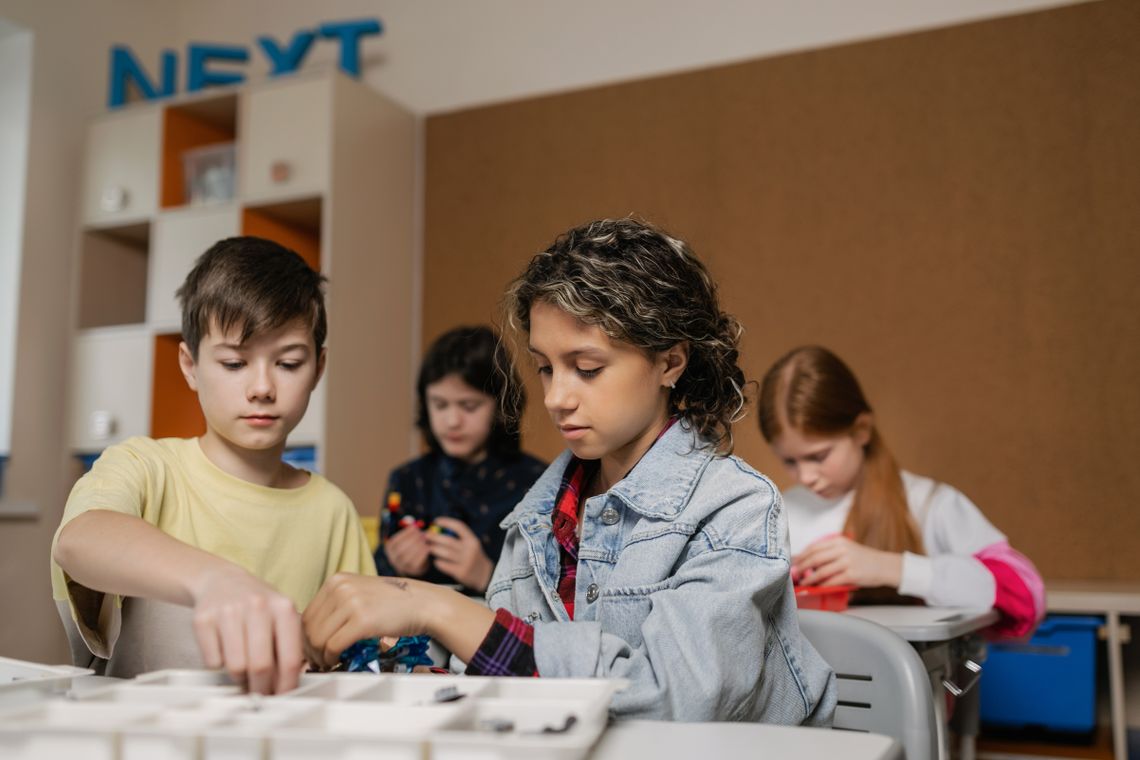
Children assembling the parts of a robotics device together
Organized components and one change at a time make robotics troubleshooting clearer and more rewarding.
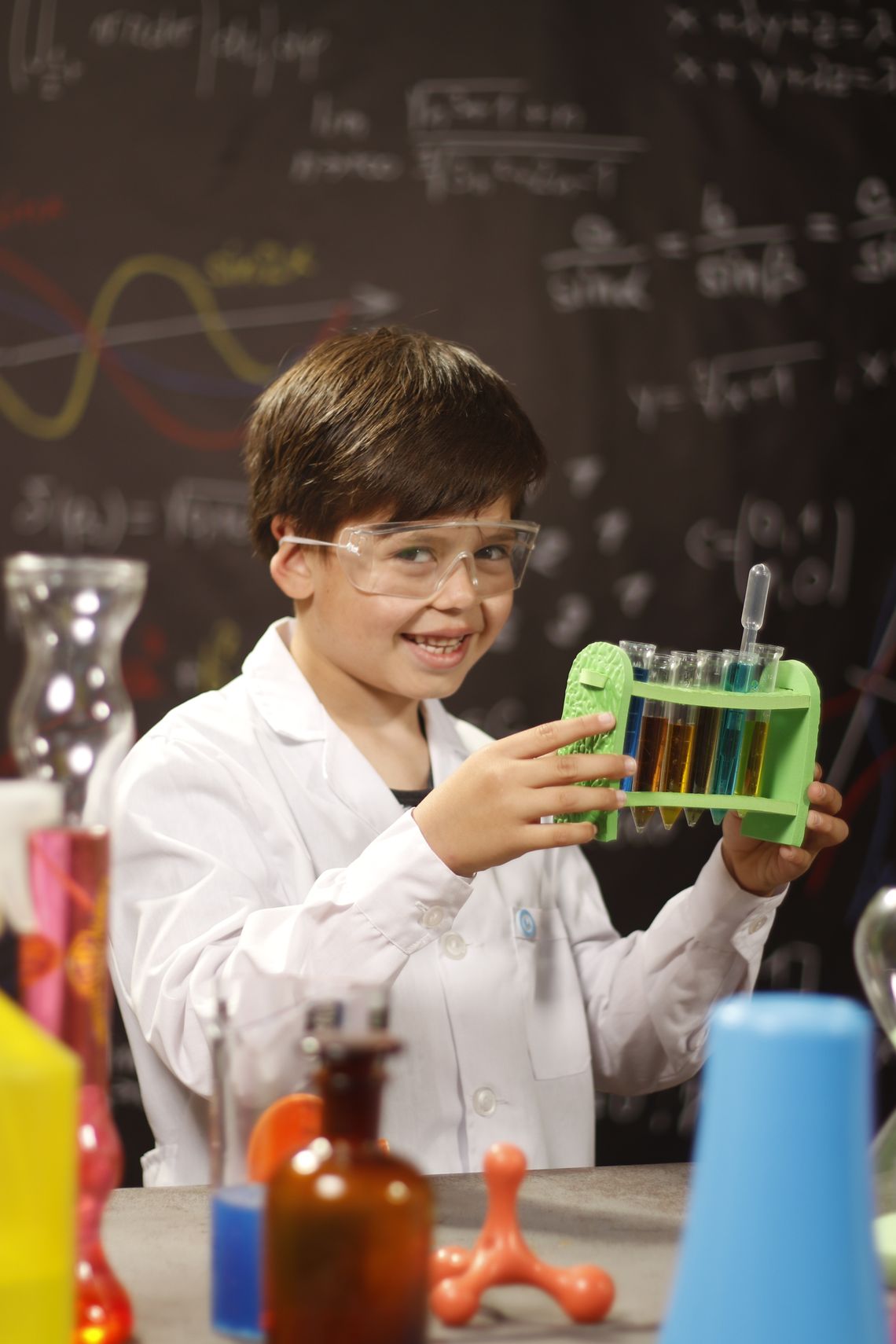
Young student proudly demonstrating a science project
Explaining a project helps children connect the finished result with the choices, evidence, calculations, and revisions behind it.

Engineering and mathematical thinking

Building makes measurement and structure practical

Construction and model projects allow children to use mathematics while making decisions about dimension, proportion, symmetry, balance, force, movement, and material use.

  • 1Blocks and bricks can introduce length, height, area, symmetry, pattern, proportion, and spatial relationships.
  • 2Magnetic systems can make geometry, connection, attraction, stability, and three-dimensional form easier to explore.
  • 3Mechanical sets can introduce gears, levers, axles, wheels, linkages, friction, force, and controlled motion.
  • 4Models can strengthen precision, sequencing, scale awareness, component identification, and instruction-following.
  • 5Design challenges can encourage budgeting materials, comparing solutions, measuring results, and improving efficiency.
Measurement Geometry Mechanics Spatial reasoning Design improvement

Building a STEM routine at home

Use questions that keep the child thinking

Adults can support STEM learning without taking control of the project by asking focused questions and allowing enough time for experimentation.

Before starting

What are you trying to make, discover, or control? Which materials and steps do you think you will need?

During building

Which part is carrying the load? What keeps it balanced? Where might the structure need more support?

During coding

What should happen first? Which instruction controls that result? Where does the output become different from the plan?

During testing

What changed? Which evidence can you observe or measure? Can you repeat the result under the same conditions?

After a problem

What is one possible cause? Which single change can test that idea without changing everything at once?

After completion

What worked well, what would you redesign, and how would you explain the project to another person?

Adult supervision is essential for products involving small parts, magnets, batteries, electricity, tools, chemicals, heat, sharp components, soldering, charging, or complex assembly.

Choosing the right STEM product

Look for a challenge that can grow gradually

A suitable product should be understandable enough to begin, challenging enough to require thought, and flexible enough to support new projects after the first success.

  • 1Begin with the child’s interest in nature, experiments, machines, computers, robots, building, vehicles, space, or design.
  • 2Review age guidance alongside reading level, fine-motor control, patience, technical experience, and adult availability.
  • 3Check whether the kit follows one project, several guided projects, or open-ended creation.
  • 4Confirm whether replacement materials, compatible parts, apps, devices, batteries, or additional tools may be needed.
  • 5Prefer a clear progression from basic concepts to more advanced combinations instead of unnecessary complexity at the start.
Teacher guiding children through a colorful science experiment
Guidance is most useful when it keeps children safe, clarifies the goal, and leaves the reasoning and discovery in their hands.

Need help comparing STEM products?

Ask Toyvora about product requirements

Toyvora provides 24/7 customer support. Our team can explain available age guidance, learning focus, included components, batteries, charging, compatible devices, apps, tools, assembly, care, and supervision information.

Toyvora offers free shipping on every product, estimated delivery in 3–5 calendar days, and eligible returns or exchanges within 30 days under the applicable store policy.

Support Email: support@toyvora.lol
Support Phone: +1 (509) 346-2936

Toyvora provides retail product information and general educational-play guidance. Individual medical, developmental, therapeutic, accessibility, or educational recommendations should come from an appropriate qualified professional.
Contact Toyvora

Safety before experimentation

Review every project before the child begins

Inspect parts, instructions, tools, power sources, chemicals, surfaces, protective equipment, and the intended work area.

  • 1Keep small components, magnets, batteries, sharp pieces, wires, chemicals, and damaged electronics away from younger children.
  • 2Use safety goggles, gloves, protective surfaces, ventilation, and adult handling when the instructions require them.
  • 3Stop using any component that becomes cracked, hot, swollen, wet, unstable, damaged, or electrically unsafe.
  • 4Disconnect power before changing wiring, moving components, or inspecting an electronic problem.
  • 5Store tools, batteries, chemicals, electronic parts, and unfinished projects securely after use.
Toyvora
1108 17th Ave, Apt 6, Longview, WA 98632, United States
Support Email: support@toyvora.lol · Support Phone: +1 (509) 346-2936